Terravalue
Menu

Capabilities

Capabilities that turn market data into local action.

Connect market analysis, program geography, and property search in one path from review to partner handoff.

Four customer outcomes

Terravalue helps teams frame market questions, share a selected map view, and make the next local handoff more useful.

These capabilities provide analysis and decision support. They do not make underwriting, compliance, eligibility, approval, or loan-term determinations.

Market comparison

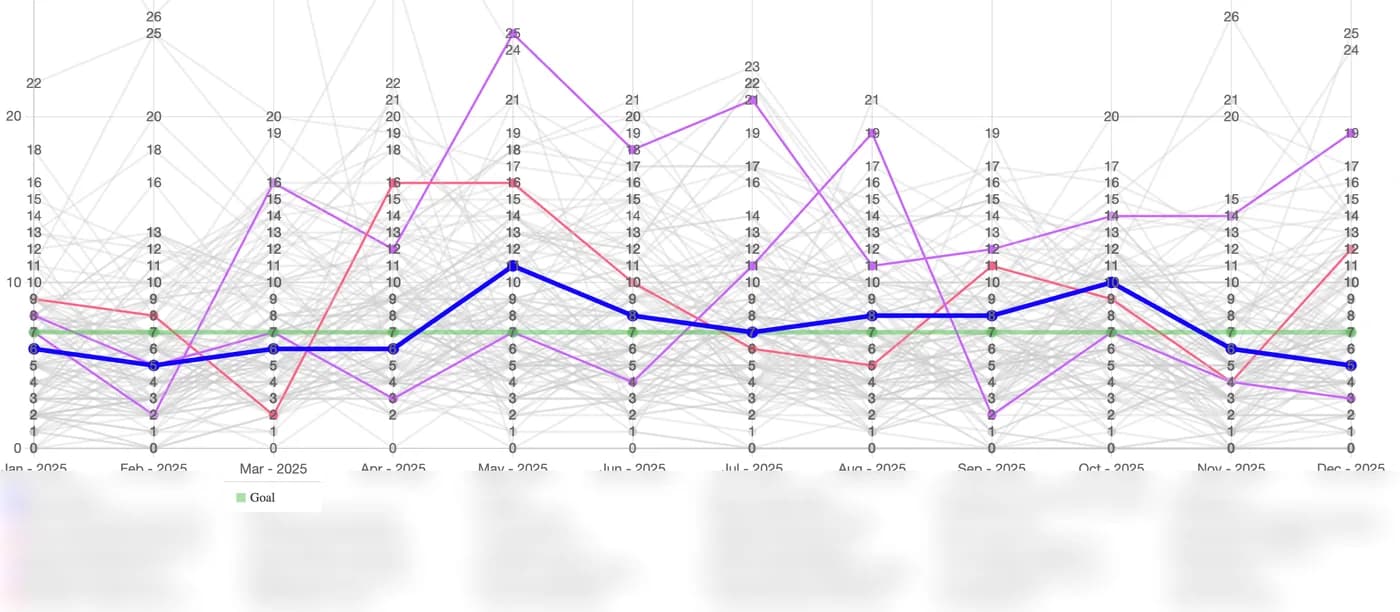
Compare market activity

Put your market view beside anonymized peer patterns without exposing institution-level details.

The problem
Market totals alone can make it difficult to understand how activity compares across places and peer groups.
The benefit
Use peer comparison and map-based analysis to frame performance questions with a wider view.

Bring historical and supplied market information into a visual comparison built for planning and informed follow-up.

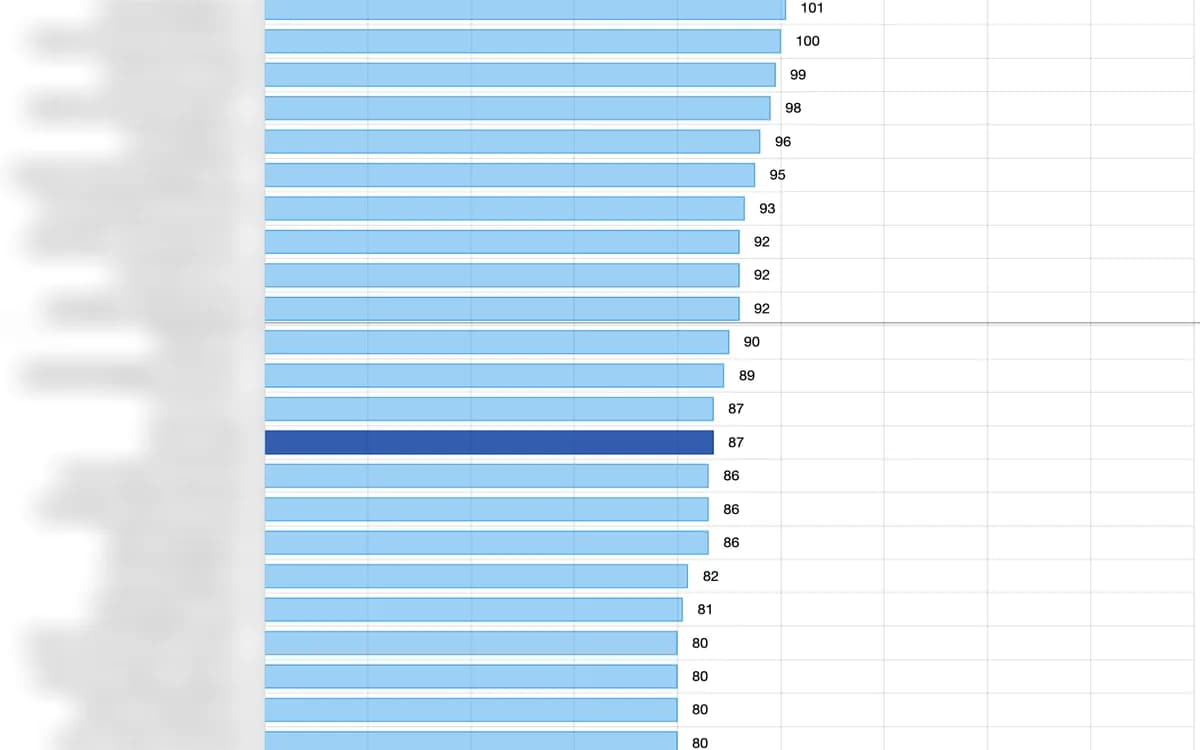
Monthly peer activity chart with highlighted lending trends, a goal line, and anonymized peer comparisons across 2025.

Monthly peer comparison. Bank names are obscured; the Goal reference remains visible.
Product visual for Compare market activity.

Compliance analysis

Focus compliance questions

Examine program, geography, market, and peer detail together in one view.

The problem
Compliance questions can become harder to investigate when market activity and geographic context are separated.
The benefit
Use the combined view to support analysis, documentation, and internal review.

Terravalue provides analysis and decision support. Your institution remains responsible for compliance review and determinations.

Blue peer bar chart showing a highlighted institution at 87 alongside anonymized peer values from 80 to 101.

Highlighted result compared with peers. Bank names are obscured.

Product visual for Focus compliance questions.

Controlled map sharing

Share an Open Map

Share a link to a read-only map that starts with the area and detail you choose.

The problem
Useful local detail can get lost when it moves between lending and real estate partners.
The benefit
Share a selected Open Map view so the recipient starts with the intended geography and program focus.

Authorized users can refresh or revoke an Open Map link. Recipients start with the sender's selected geography and can view the permitted map context.

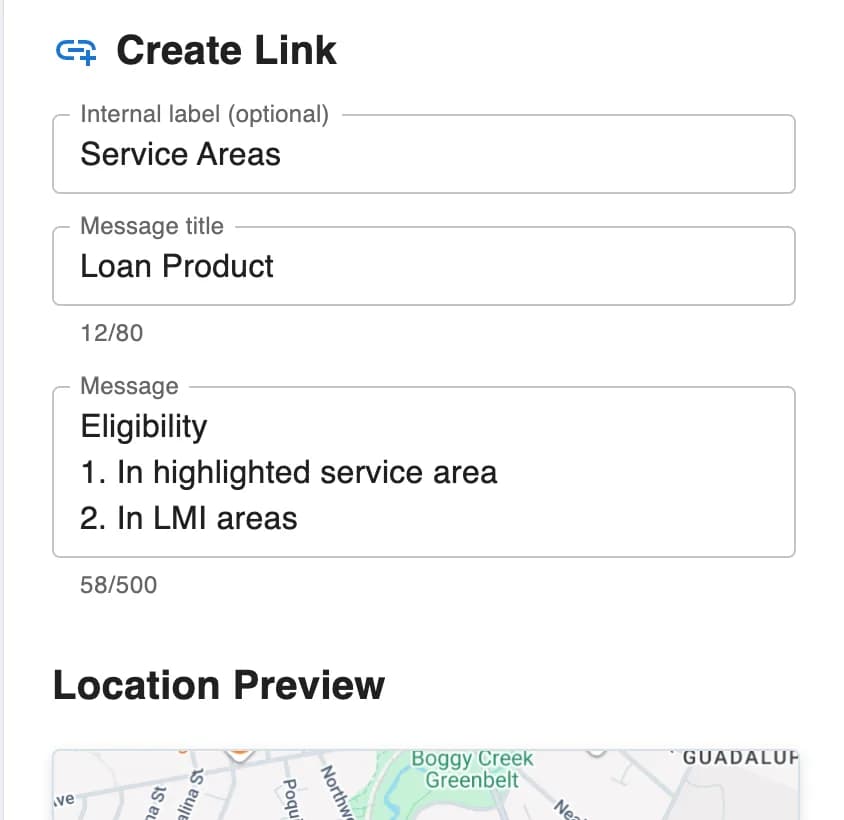
Create Link form with a Service Areas label, Loan Product title, and eligibility criteria for a highlighted service area and LMI areas.

01 / Configure

Set the loan-product message and service-area criteria.

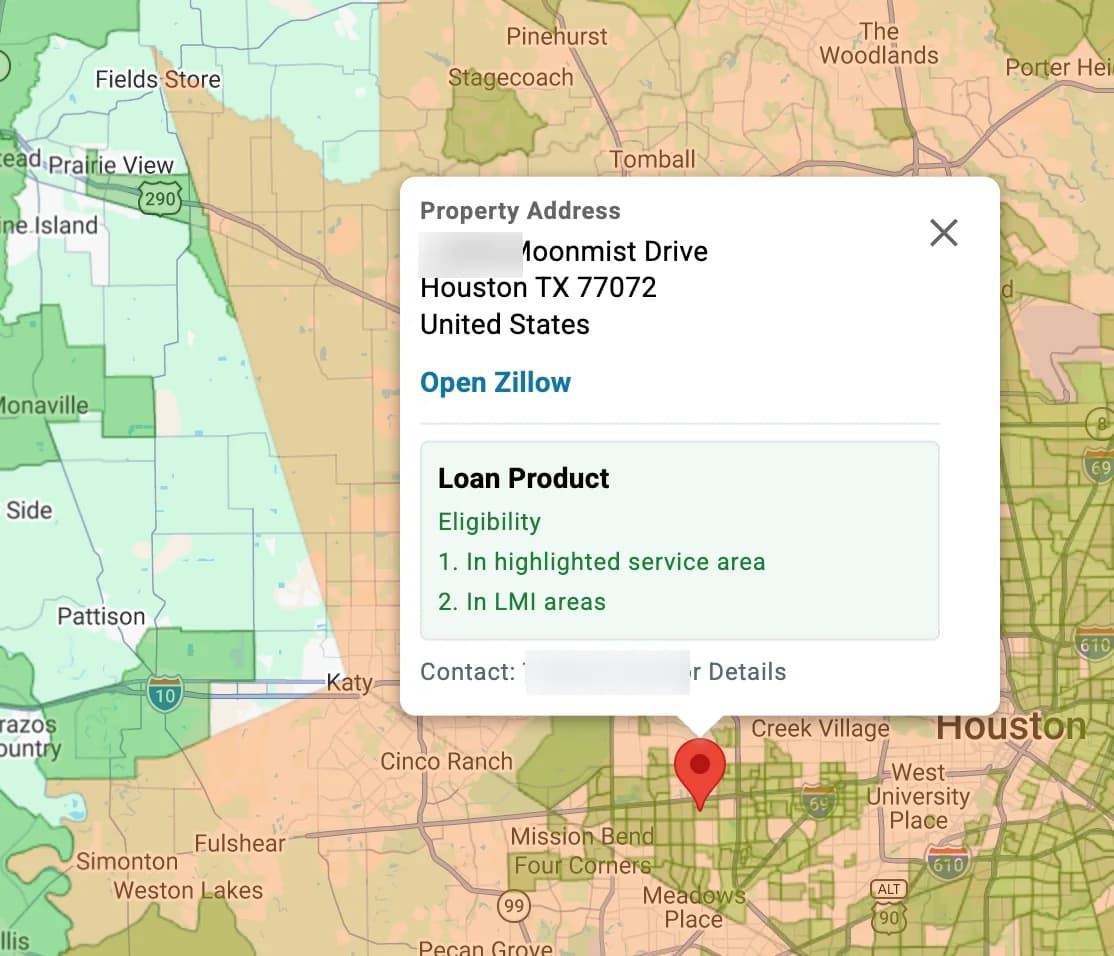
Shared Open Map with a selected property, service-area overlays, Loan Product eligibility information, and a privacy-treated contact line.

02 / Share

Give a real estate agent the selected map and product context.

Product visual for Share an Open Map.

Map-based property research

Target listing areas and export the pins that matter.

Draw a focused area, add demographic context, and filter visible properties by price, room count, and home type. Export the pins currently on the map to a spreadsheet for further analysis.

The problem
Property research can become hard to manage when area boundaries, local context, and listing criteria are separate.
The benefit
Bring target areas, demographic layers, and property criteria together, then export the current map pins when more analysis is needed.

Terravalue supports research and follow-up. It does not determine eligibility, underwriting, approval, or loan terms.

Target listing area drawn over colored Census Tract overlays.
Loan activity map with pins and Year, Loan Type, and Assess Area filters.
Filtered listing map with a drawn area, price range, selected property with street number obscured, and Download control.
Product visual for Target listing areas and export the pins that matter..

Supporting product context

Open Map access or workspace sign-in.

These signed-out screens show entry only—no full share URL, access token, credentials, live workspace, customer data, or property detail.

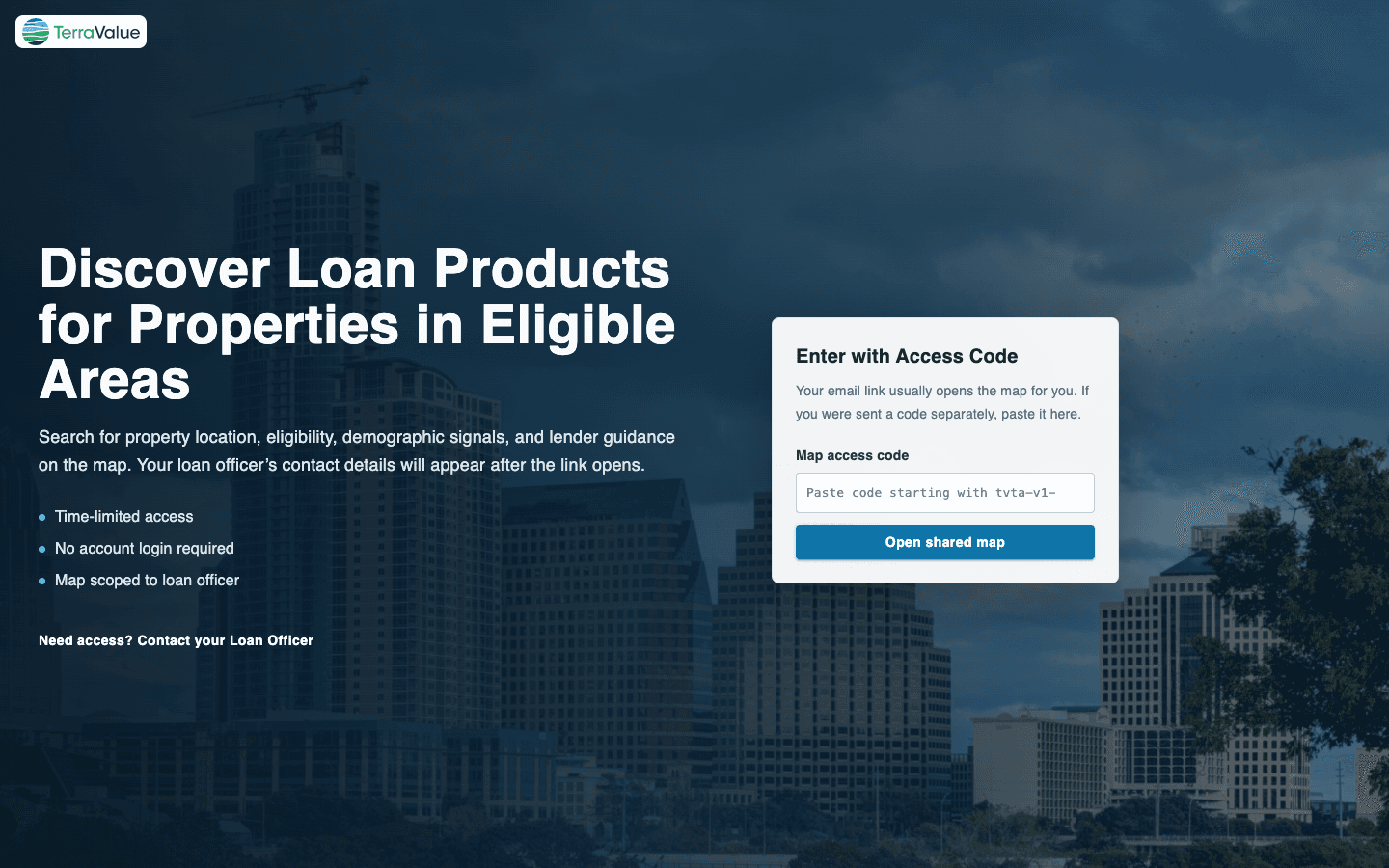
Public Terravalue Open Map entry screen with an empty access-code field

Open Map entry

Open Map access

The public screen shown before a valid share code or link is used.

Public Terravalue compliance workspace sign-in screen with empty email and password fields

Workspace entry

Workspace sign-in

The unauthenticated entry shell; no workspace interior or customer information is shown.

Next step

See Terravalue on the markets you care about.

Tell us where your team is focused. We will map the right capabilities to your goals.

Request a demo